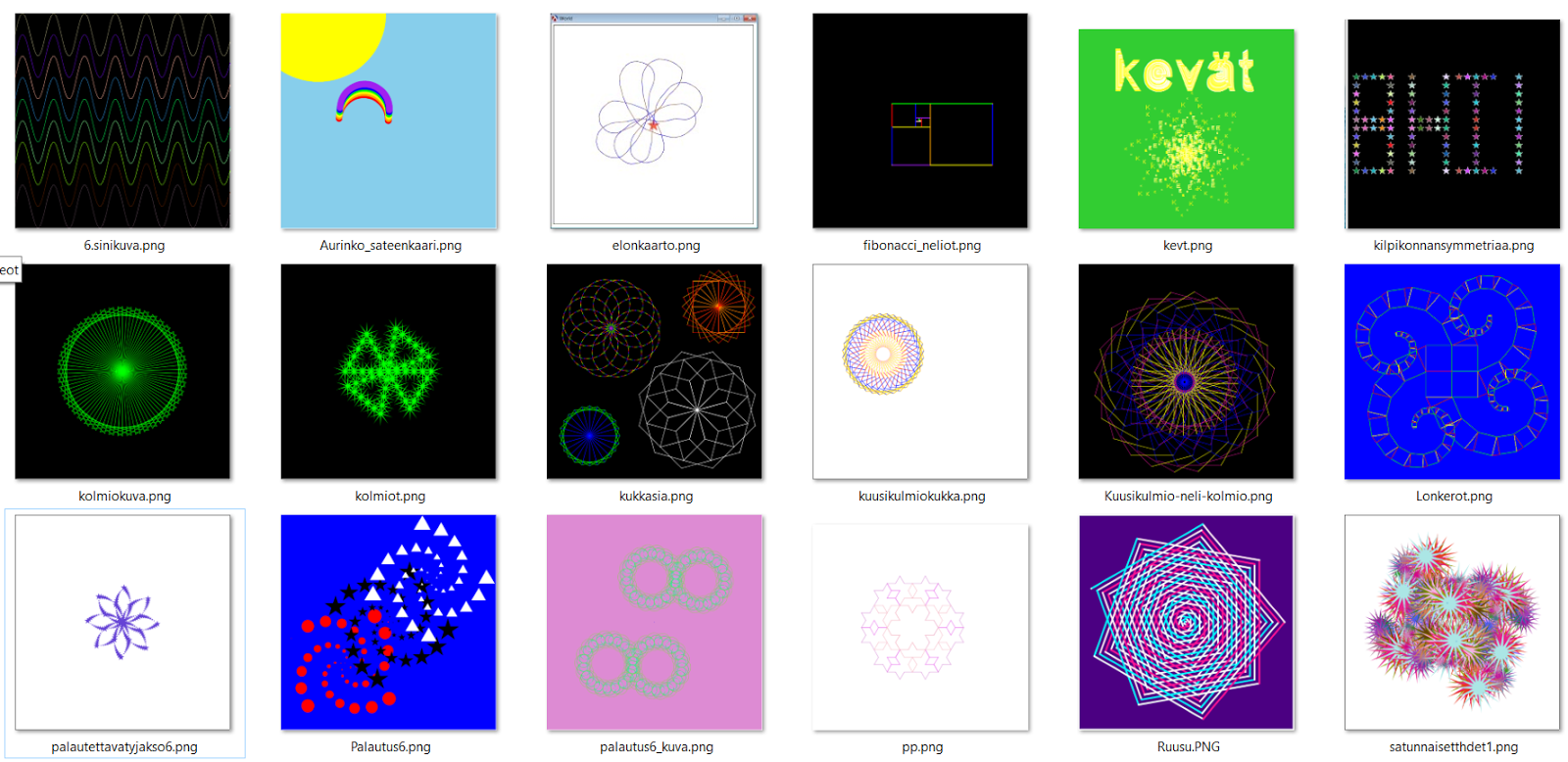
If you have played with Turtle graphics, you know how fun it can be. It also offers nice opportunities to teach kids how to think and solve geometric problems. I also happen to like Racket programming language, so I wrote an animation library for drawing Racket Turtle images (
Racket Turtle in GitHub). With the help of Bootstrap team, it now works also in the browser environment at WeScheme.org (
Racket Turtle Runs in WeScheme!).
You can make the turtle (black triangle) move with some simple commands like
forward and
turn-left. For Racket Turtle to understand what you want to draw, you need to write the commands, and their parameters, as a list. First you give a name for your command list with
define, then you write the commands and finally you call
draw function with the newly created list as a parameter.
For example the following code will draw a square:
(define square1
(list (forward 100)
(turn-left 90)
(forward 100)
(turn-left 90)
(forward 100)
(turn-left 90)
(forward 100)))
(draw square1)
See how it works in WeScheme, select Play:
Racket Turtle draws a square
Racket Turtle can also repeat previously defined command lists with
repeat command.The following code will draw a square using repeat:
(define side
(list (forward 100)
(turn-left 90)))
(define r-square
(repeat 4 side))
(draw r-square)
Racket Turtle's pen color can also be changed, the pen can be lifted up and put down. The following code can be used to change pen color and to move in a different location without drawing a line.
(define move
(list (change-color "red")
(pen-up)
(forward 100)
(pen-down)))
Further, you can combine as many command lists as you like to draw more complex images. This is done via defining a list of command lists. This example code will draw two squares with different colors in the same picture:
(define two-squares
(list r-square
move
r-square))
(draw two-squares)
See how it works in WeScheme, select Play:
Racket Turtle draws two squares.
Racket Turtle can also be used to teach about functions and variables. The following code can be used to draw squares with varying size.
(define (v-side x)
(list (forward x)
(turn-left 90)))
(define (v-square x)
(repeat 4 (v-side x)))
;; for x = 50 you write:
(draw (v-square 50))
See how it works in WeScheme, now select Edit - mode since you need to change
the variable:
Racket Turtle Examples: Variables and functions.
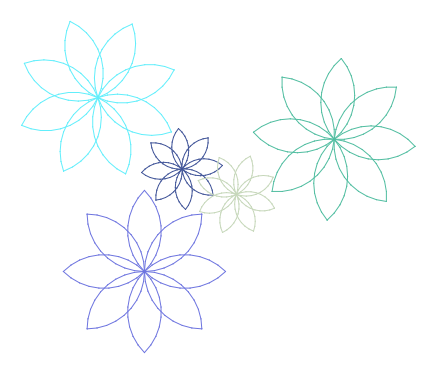
Racket Turtle can be used to draw circles, flowers and what ever you can image. Have fun with it!
NOTE: To use Racket Turtle Teachpack in WeScheme you need to write this line in the beginning of your file:
(require wescheme/hSuH9JklYb)
If you have problems with Racket Turtle, please let me know: tyynetyyne at gmail.com.